Skip to content

Resource

AI Quick Wins for Irish SMEs: 15 Practical Ideas.

AI can feel overwhelming because the examples are often either too basic or too futuristic. This guide focuses on practical quick wins: workflows Irish SMEs can actually understand, test, and improve.

This guide is written for Irish SME owners, operators, managers, and team leads who want practical AI ideas rather than hype. The best first AI project is usually not the most impressive one. It is the one that removes a repetitive task, improves a customer handover, reduces manual reporting, or helps staff make better use of the tools the business already has.

Quick win checklist

What makes a good AI quick win?

A good AI quick win has five traits. First, it repeats often. Second, it takes time today. Third, the value is easy to explain. Fourth, the risk is manageable. Fifth, staff can test it quickly. Bad first projects are usually too broad, too sensitive, too dependent on perfect data, or too hard to explain. Start with a task that already has a clear owner and visible pain.

The 15 quick wins

Practical AI ideas Irish SMEs are shipping right now.

01

Customer enquiry triage

AI can help categorise incoming enquiries, summarise what the customer needs, suggest a reply, and route the request to the right person. This is useful for businesses that receive repeated questions through forms, email, chat, or social channels. The safest first version keeps a person in control of the final response.

02

Quote request intake

A quote request form can collect the right information before staff begin preparing an estimate. AI can help summarise the request, flag missing details, and draft proposal language. Pricing and commercial terms should remain reviewed by a person.

03

Proposal drafting

Many businesses write similar proposals again and again. AI can help turn structured inputs into a first draft. The value is not that AI sends the proposal automatically. The value is that staff start from a better draft and spend more time tailoring the recommendation.

04

Meeting notes to tasks

AI can turn meeting transcripts or notes into summaries, decisions, actions, deadlines, and follow-up messages. Useful for consultants, agencies, professional services firms, HR teams, and operations managers.

05

Weekly management reporting

A dashboard can collect the numbers that matter and AI can prepare a plain-English summary of trends, risks, and next actions. This reduces the time managers spend preparing recurring reports.

06

Document summarisation

AI can summarise long documents, extract key information, and prepare review checklists. Useful for professional services, recruitment, HR, accounting, legal admin, and training companies. Human review remains essential.

07

Client onboarding checklist

A client onboarding workflow can automatically create tasks, collect documents, send reminders, and show progress. Saves admin time and gives clients a clearer experience.

08

Internal knowledge assistant

A staff knowledge assistant can help employees find answers from approved internal documents, SOPs, policies, or FAQs. Keep the knowledge source controlled and updated.

09

CRM follow-up reminders

AI and automation can help create follow-up tasks, draft check-in emails, and summarise previous conversations. Useful when leads or client requests fall through cracks.

10

Review and feedback analysis

Businesses with customer reviews, survey responses, or support tickets can use AI to identify themes, complaints, opportunities, and repeated questions.

11

Product or service content drafts

Retailers, e-commerce businesses, agencies, and consultants can use AI to draft product descriptions, service explanations, FAQs, and campaign content. Output should still be edited for accuracy and brand voice.

12

Invoice or payment follow-up

Automation can help track unpaid invoices, prepare polite reminders, and flag accounts for review. AI can support wording, but finance rules and customer relationships should guide the workflow.

13

Job status updates

Trades, construction, and field-service businesses can use workflows to update customers when jobs move between stages. AI can help turn internal job notes into customer-friendly updates.

14

Training content and SOP creation

AI can help turn existing processes into SOP drafts, checklists, onboarding guides, and training materials. Especially useful where knowledge sits with experienced staff.

15

Spreadsheet-to-dashboard workflow

If a spreadsheet is used for management reporting, lead tracking, job status, or operations, a dashboard may be a better first step than a large software build. AI can then summarise trends and actions.

How to choose the right quick win

Score each idea by repetition, time saved, risk, data sensitivity, customer impact, staff adoption, and build complexity. Choose the idea that is easiest to test and valuable enough to matter. Avoid starting with high-risk sensitive decisions, large multi-system builds, or vague company-wide AI transformation.

How to turn this guide into action

Start with one workflow. Choose something that repeats often, costs time, creates errors, slows customers down, or depends too much on one person. Write down how it works today, what information is needed, where the handover happens, and what a better version would look like.

Then score it across five factors: repetition, business value, risk, staff adoption, and build complexity. The best first project usually scores high for repetition and value but low or moderate for risk and complexity. It should be easy to explain and easy for staff to test.

An AI Opportunity Audit can help you choose the right first project, define the scope, and avoid spending money on tools that do not fit your business.
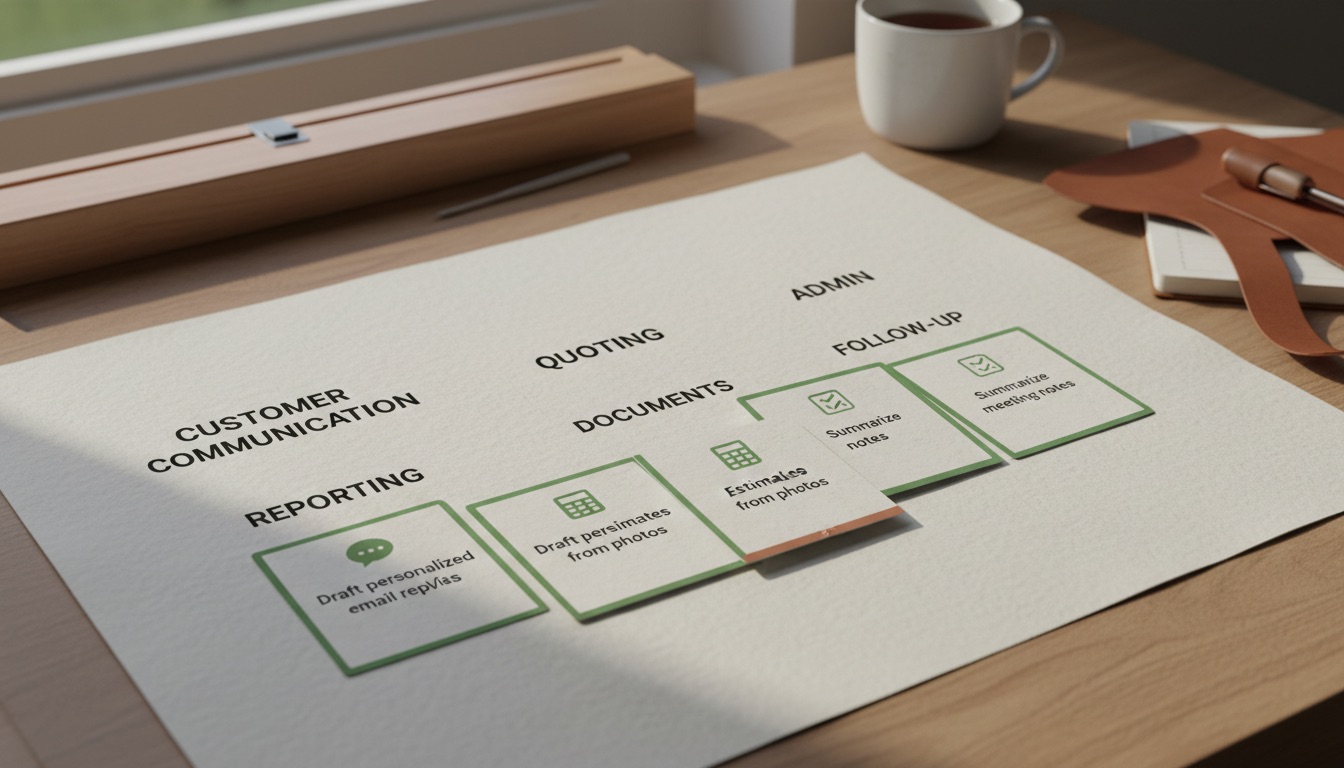
SME implementation checklist

Use this before choosing a quick win.

If the idea fails more than two of these checks, it may not be the right first project.

  • The workflow happens every week or every day.
  • The current process is easy to describe in plain English.
  • One person clearly owns the workflow.
  • The business can provide examples of real inputs and desired outputs.
  • The first version can be tested without changing the entire business.
  • The risk is manageable with human review.
  • The result can be measured by time saved, faster response, better follow-up, fewer errors, or clearer reporting.
  • The team understands why the workflow matters.
  • The project does not require perfect data from every system before value can be created.
  • The project can be improved after launch.

Examples by sector

Where quick wins typically pay back fastest.

Professional services firms

Often start with client onboarding, document collection, meeting summaries, proposal drafts, or client portals. These workflows are repeated, document-heavy, and easy to improve with a combination of AI assistance and better structure.

Trades and construction businesses

Often start with quote intake, photo-to-report workflows, job status updates, invoice follow-up, or supplier/order tracking. Keep the workflow simple enough for busy field and office teams.

Recruitment and HR businesses

Often start with candidate summaries, interview notes, job specification drafts, onboarding checklists, or client reporting. Human judgement must remain central to hiring and people decisions.

Hospitality and tourism

Often start with repetitive guest questions, event enquiries, booking FAQs, review response drafts, or staff knowledge bases. Tone matters; AI should make staff faster without making the customer experience feel robotic.

Retail and e-commerce

Often start with product descriptions, customer support triage, review analysis, order issue summaries, inventory reporting, or sales dashboards. Accuracy is important where stock, refunds, delivery promises, or pricing are involved.

Common mistakes to avoid

Five patterns that kill first AI builds.

01

Trying to automate the whole business at once.

A broad project sounds impressive but often becomes too slow, expensive, and hard for staff to adopt. Start with one contained workflow.

02

Choosing a use case because the technology looks exciting.

Start with business value, not novelty. The question is not 'what can AI do?' The question is 'where is the team losing time and what would a better workflow look like?'

03

Removing human review too early.

AI can draft, summarise, classify, and prepare, but important customer communication, professional judgement, pricing, legal matters, employment matters, financial decisions, and health-related information should remain supervised.

04

Ignoring data and permissions.

Before building, decide what information is needed, where it will be stored, who can access it, and what should never be entered into public AI tools.

05

Failing to train staff.

A workflow only works if people understand how to use it, what to trust, what to check, and how to report issues.

How to measure a quick win

Use simple measures. You do not need a complicated ROI model for the first project. Track before-and-after signals such as time to reply, number of manual steps, time to prepare a quote, number of missed follow-ups, number of customer status requests, report preparation time, or staff satisfaction with the workflow.

Where possible, record a baseline before launch. For example, if quotes currently take two days to prepare, measure whether the new process reduces that to same-day preparation. If weekly reports take three hours, measure whether the dashboard and AI summary reduce that to thirty minutes. If customer enquiries are missed, measure whether routing and reminders improve follow-up.

Recommended next step

Choose three possible quick wins from this guide. Score each one from one to five for repetition, value, risk, adoption, and complexity. The best first project usually has high repetition and value, but moderate or low risk and complexity. Bring that shortlist into an AI Opportunity Audit so the first build is practical, scoped, and ready for implementation.

FAQs

Frequently asked questions about AI quick wins.

What is the best AI quick win for most SMEs?

Customer enquiry triage, quote intake, meeting notes, and reporting summaries are often strong starting points because they are repeated, easy to understand, and useful quickly.

Should we automate customer replies fully?

Usually not at first. Begin with AI-assisted drafts and human approval.

Can small businesses afford AI implementation?

Many can start with an audit or focused quick-win build rather than a large transformation project.

What should we avoid?

Avoid automating sensitive decisions, launching without staff training, or buying tools before mapping the workflow.

How do we choose?

Start with a workflow that repeats often, wastes time, has clear value, and can be tested safely.

Get started

Find the first AI project that will actually help your business.

Tell us where your team is losing time. We will help you identify one workflow that can be improved with AI, automation, a dashboard, or a custom tool, then show you the practical path to build it.